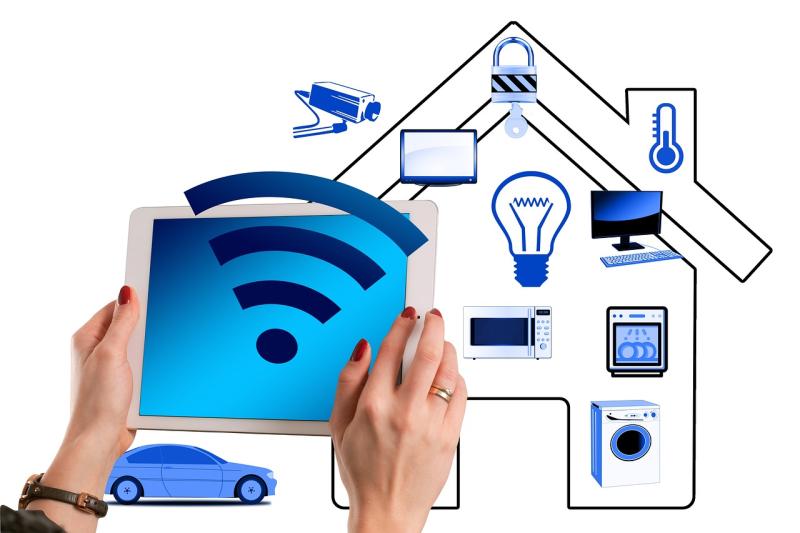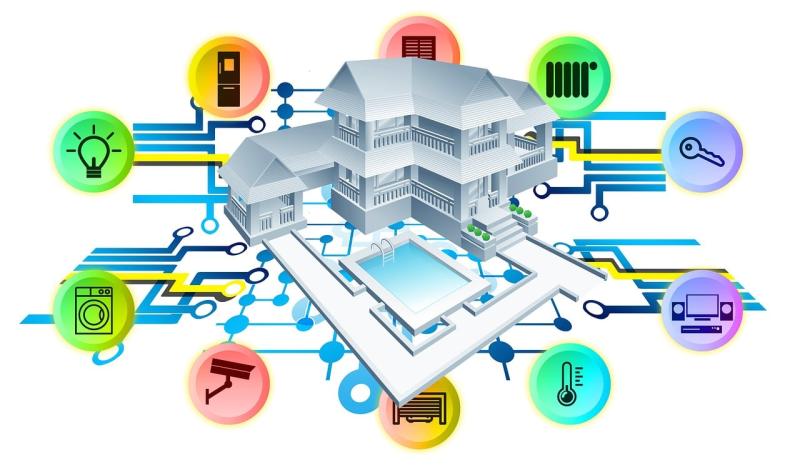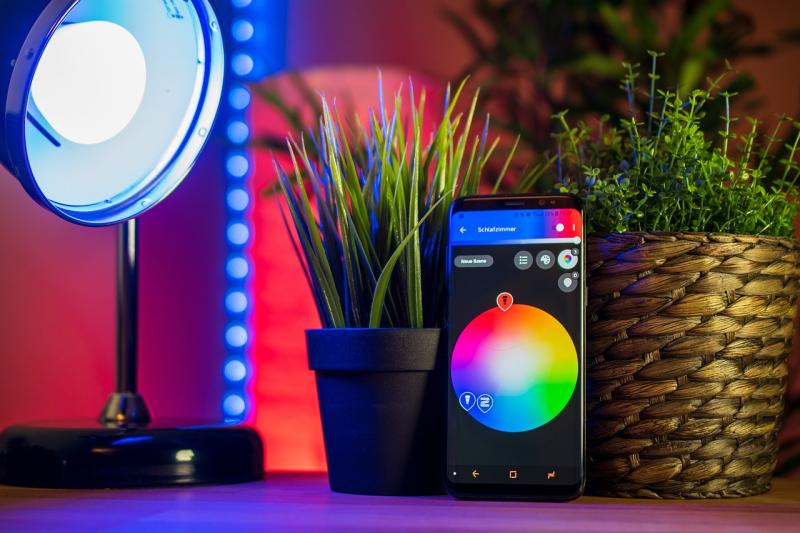
First, figure out what areas of your home you want to automate. Are you looking to control lighting, enhance security, or maybe manage your thermostat? Most folks start with something simple, like smart bulbs or smart plugs. They’re user-friendly, and you can see results quickly!
Next, choose a central hub or app that can connect your devices. Popular options include Google Home, Amazon Alexa, or Apple HomeKit. This is like your smart home command center. You can control everything from one place, making it super easy to manage your devices, whether you’re at home or on the go.
Once your hub is set up, start adding devices! Look for products that work well with your chosen hub. Smart lighting, smart cameras, and thermostats are great starter items. Just plug them in, follow the app instructions, and you’ll be amazed at how quickly you can control things with your voice or smartphone.
Lastly, don’t forget about security. Make sure to secure your network with a strong password and keep your firmware up to date. With a little bit of planning, you’ll be on your way to a fully automated home that suits your lifestyle! Enjoy the ride!
Choosing the Right Products for Your Needs
Buying home automation products can feel a bit overwhelming with so many options out there. But picking the right gear for your needs isn’t as tough as it seems. Start by thinking about what you really want to achieve. Do you want to save energy, enhance security, or simply add some convenience to your daily routine? Knowing your main goals helps narrow down the choices.
Next, consider compatibility. Some devices work best together. For instance, if you already have a smart speaker, look for smart bulbs or plugs that sync easily with it. This makes your setup smoother and saves you from any compatibility headaches later on. It’s super frustrating to buy a product and find out it doesn’t work with what you already have!
Also, think about the ease of use. Look for products with user-friendly apps and simple controls. If you’re not tech-savvy, you’ll want something straightforward. Most brands offer online demos or videos that show how their products function. Watching those can help you decide if a product feels right before you buy it.
Finally, check out reviews from people just like you. Real-life experiences can give you real insight. Look for feedback on performance, ease of installation, and longevity. When other users are happy with their purchases, that’s usually a good sign you’re on the right track!
Setting Up Your Home Automation System
Next, choose a hub or a central control system. This acts like a command center for all your devices. Popular options include platforms like Amazon Alexa, Google Home, and Apple HomeKit. They all let you control various smart products using just your voice or a simple app.
Once you have your hub, start picking out smart devices. Look for products that are compatible with your chosen hub. For example, if you have a Google Home, get smart bulbs or plugs that work well with it. Popular brands like Philips Hue, TP-Link, and Ring cover a lot of ground when it comes to smart lighting, plugs, and security.
Installation often involves just plugging things in or connecting to your Wi-Fi. Many devices have straightforward apps to guide you through the setup process. Don't hesitate to check tutorial videos online, as they can make things super clear and easy.
Finally, take the time to explore the app features and set up routines. You can automate your lights to turn on at sunset or have your coffee maker brew as soon as your alarm goes off. Play around and see what works best for your lifestyle!
Tips for Easy Home Automation Integration
Jumping into home automation can be a fun adventure, but it’s easy to feel overwhelmed. Here are some simple tips to help you smoothly integrate smart devices into your home.
First off, start small. Choose one or two devices that really catch your interest. A smart bulb or a plug is a great place to kick things off. You’ll quickly discover how convenient it is to control your lights or appliances from your phone, and that’ll keep your excitement going.
Next, check for compatibility. Not all devices play nice together. Look for products that work well with the system you plan to use, like Google Assistant or Amazon Alexa. Stick to brands that can easily connect; it cuts down on frustrating setup time.
Also, consider your home’s layout. Smart devices often rely on Wi-Fi, so think about where your router is located. You might need a Wi-Fi extender if you have a larger space. This way, all your devices stay connected without a hitch.
Lastly, don't forget about security. Make sure to change default passwords on your devices to keep your home safe. It's a simple step that goes a long way in protecting your privacy while you enjoy the benefits of a smart home.